 Works with Slack
PRESENT IN YOUR CONVERSATIONS
Nira Flow for Slack
Your brand strategist, in the channel where you already work. Mention the companion or use /nira, and it answers brand questions straight from your own playbook: is this on-voice, does this fit our positioning, how do we talk to this audience.
Start free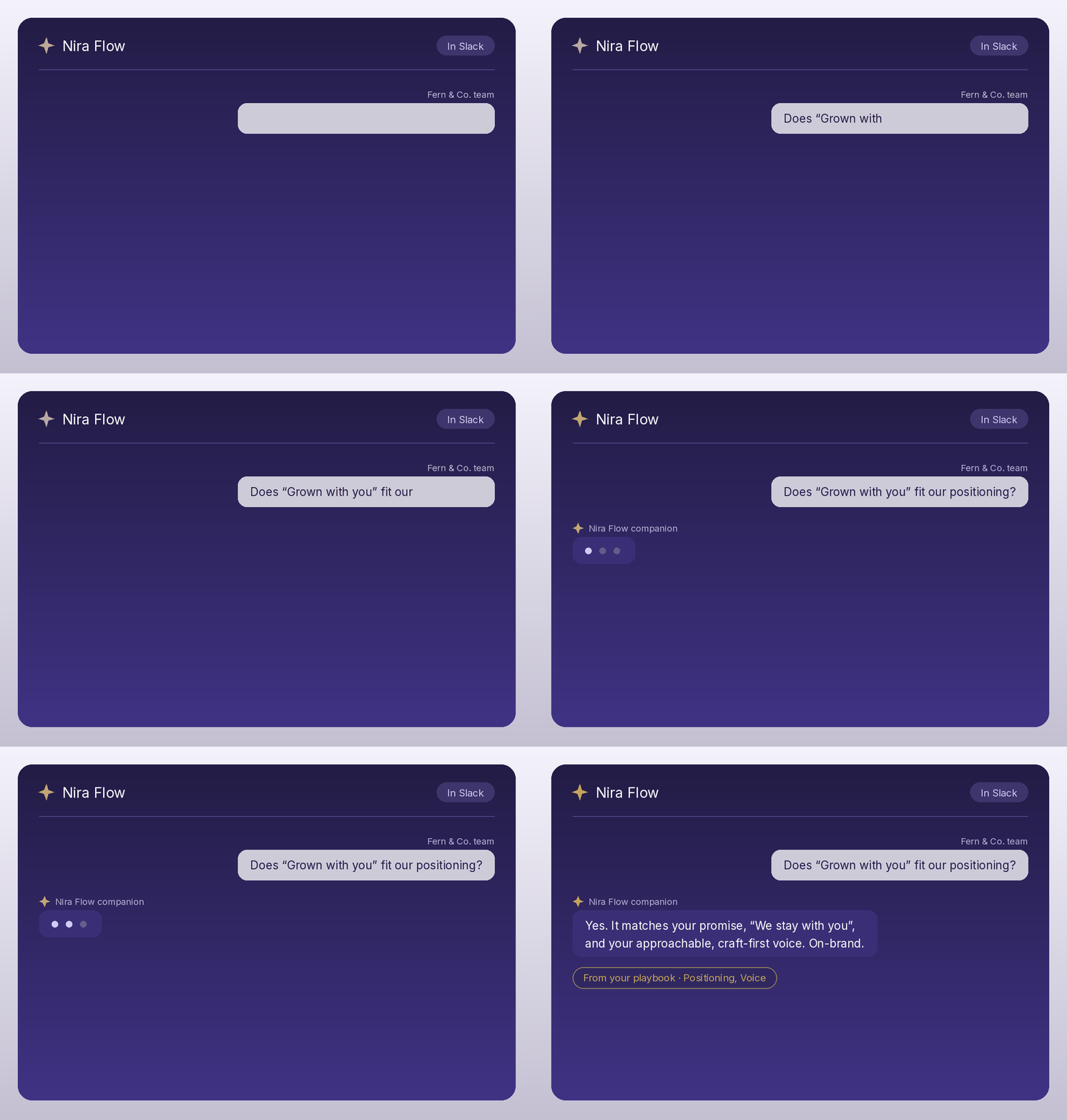
How to connect it
- 1
Create your Nira Flow account and complete your playbook at niraflow.ai. The companion needs your strategy to answer from, and it's included with Pro and Enterprise plans.
- 2
In Nira Flow, open Account settings and choose Connect Slack.
- 3
Approve the installation in Slack. You'll pick the workspace, and Slack shows you exactly what the companion can access.
- 4
In any channel where you've added it, mention @Nira Flow with your question, or type /nira anywhere.
The companion answers the person who connected it. Teammates who want answers connect their own Nira Flow account the same way.
What it can see
Only what it needs. The companion reads messages that mention it, nothing else, and answers are generated from your playbook. Details in our Privacy Policy.